
AppyKit UI
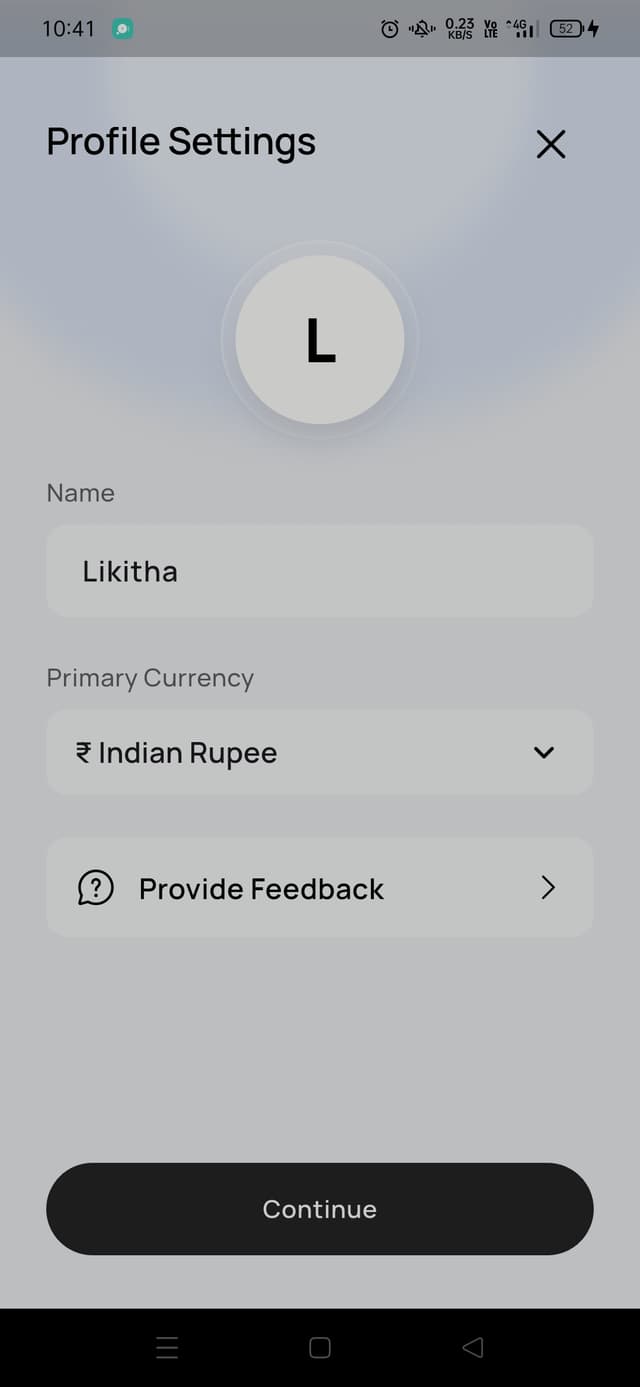
Profile Screen
Tuck away secondary content behind expandable sections without losing structure.
<Accordion type="single" collapsible>
<AccordionItem value="item-1">
<AccordionTrigger>What is AppyKit UI?</AccordionTrigger>
<AccordionContent>
  A growing component library and resource hub for Flutter developers.
</AccordionContent>
</AccordionItem>
</Accordion>
An accordion helps you keep a screen compact while still giving users access to useful detail. It is a strong fit for FAQs, help content, advanced settings, and grouped explanations.
Preview
Installation
npx appykit@latest add accordionWhen To Use
Use an accordion when the content matters, but not all of it needs to be visible at once. If every section is equally important and should stay open, a regular stacked layout is usually easier to scan.
Best Practices
- Keep trigger labels short
- Group related content into a small number of sections
- Open the first item by default when users need immediate context
- Avoid hiding your primary call to action inside collapsed content