
AppyKit UI
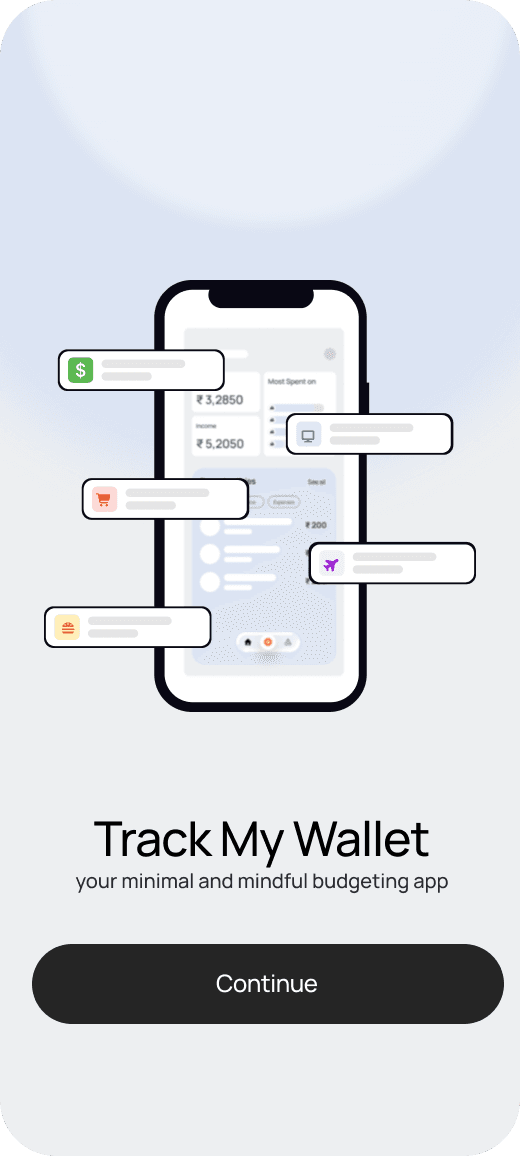
Onboarding
Represent people, teams, and authors with an image plus a graceful fallback.
<Accordion type="single" collapsible>
<AccordionItem value="item-1">
<AccordionTrigger>What is AppyKit UI?</AccordionTrigger>
<AccordionContent>
  A growing component library and resource hub for Flutter developers.
</AccordionContent>
</AccordionItem>
</Accordion>
Preview
<Avatar>
  <AvatarImage src="/avatar.png" alt="Aarav" />
  <AvatarFallback>AA</AvatarFallback>
</Avatar>
Avatars add personality and recognition to lists, comments, profile screens, and team settings. A solid fallback matters just as much as the image itself.
Installation
npx appykit@latest add avatarUsage
import { Avatar, AvatarFallback, AvatarImage } from "@/components/ui/avatar";Best Practices
- Always include a fallback
- Use initials or a short label when no image is available
- Keep avatar size consistent within the same interface section