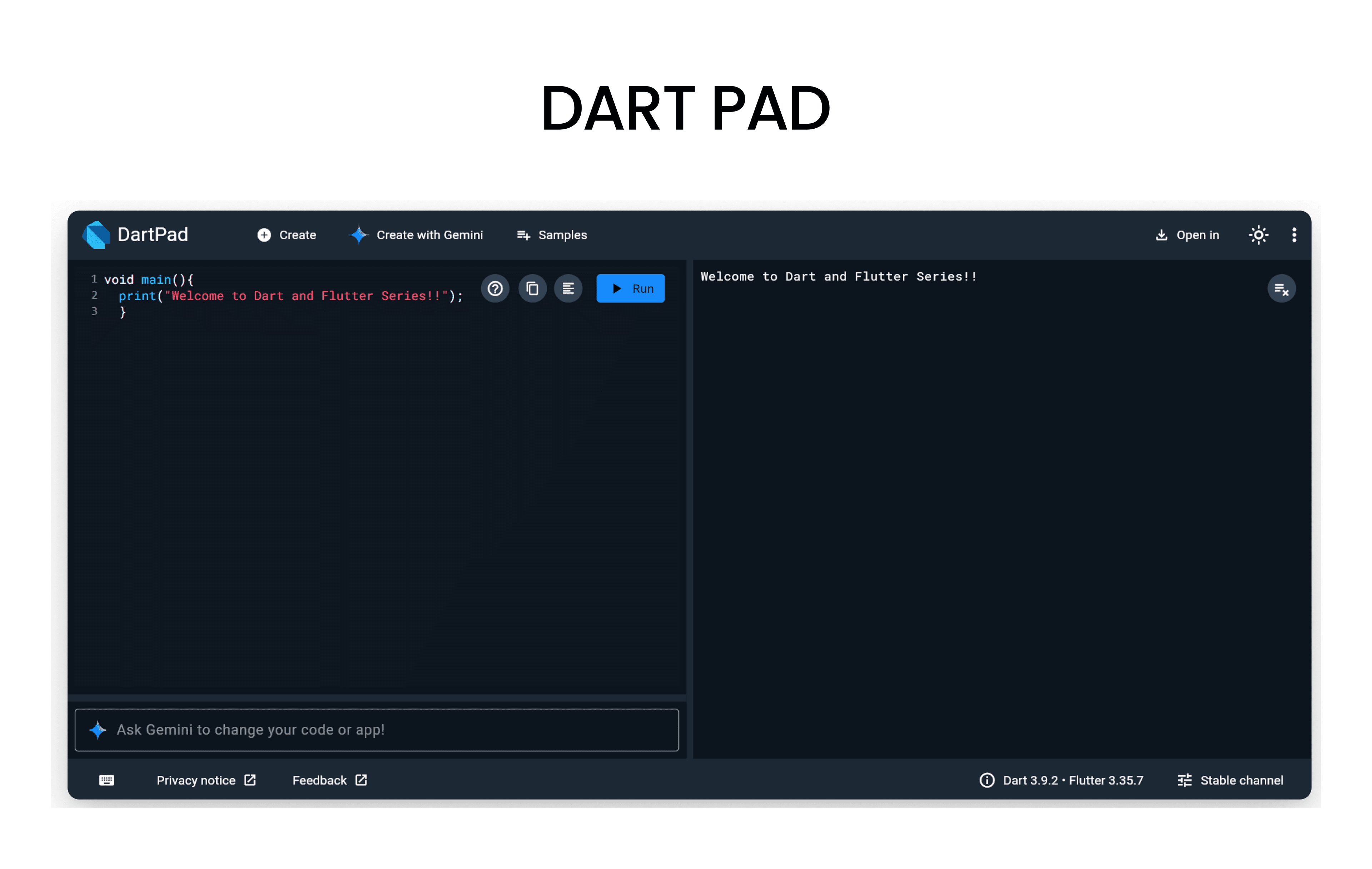
Before we start, open DartPad - it's a browser-based Dart editor where you can run all the code examples!
What are Functions?
- A function is a block of code that performs a specific task and can be reused multiple times throughout a program.
Types of Functions in Dart
Function without Return Type and without Parameters
void greet() {
  print('Hello, Welcome to Dart Functions!');
}
void main() {
  greet(); // Function call
}
Function with Return Type and without Parameters
int getRandomNumber() {
  return 42; //  Returning a fixed number
}
void main() {
  int number = getRandomNumber(); // Function call
  print('Random Number: $number');
}
Function with Return Type and with Parameters
String greetUser(String name) {
  return 'Hello, $name! Welcome to Dart Functions.';
}
void main() {
  String message = greetUser('Alice'); // Function call with argument
  print(message);
}
Function with Optional Parameters
In Dart, you can define optional parameters using square brackets []. These parameters can be omitted when calling the function.
void displayInfo(String name, [int? age]) {
  if (age != null) {
    print('Name: $name, Age: $age');
  } else {
    print('Name: $name, Age: Not provided');
  }
}
void main() {
  displayInfo('Bob', 25); // Calling with both parameters
  displayInfo('Charlie'); // Calling with only name
}
Function with Named Parameters
In Dart, you can define named parameters using curly braces {}. When calling the function, you need to specify the parameter names.
void displayDetails({required String name, int? age}) {
  if (age != null) {
    print('Name: $name, Age: $age');
  } else {
    print('Name: $name, Age: Not provided');
  }
}
void main() {
  displayDetails(name: 'David', age: 30); // Calling with named parameters
  displayDetails(name: 'Eve'); // Calling with only name
}
6. Default Parameter Values
You can provide default values for optional parameters. If the caller does not provide a value, the default value will be used.
void greetUser(String name, {String greeting = 'Hello'}) {
  print('$greeting, $name!');
}
void main() {
  greetUser('Frank'); // Uses default greeting
  greetUser('Grace',greeting: 'Welcome'); // Uses custom greeting
}
7. Callback Functions
Functions can be passed as arguments to other functions. These are called callback functions.
void performOperation(int a, int b, Function operation) {
  int result = operation(a, b);
  print('Result: $result');
}
int add(int x, int y) {
  return x + y;
}
void main() {
  performOperation(5, 3, add); // Passing add function as a callback
}
8. Function as Variables
In Dart, functions are first-class citizens, which means you can assign them to variables.
void main() {
  // Assigning function to a variable
  Function multiply = (int x, int y) {
    return x * y;
  };

  // Calling the function using the variable
  int result = multiply(4, 5);
  print('Multiplication Result: $result');
}
8. Arrow Functions
- Arrow functions provide a shorthand syntax for defining functions that contain a single expression. They use the
=>syntax.
void main() {
  // Arrow function
  Function multiply = (int x, int y) => x * y;

  int result = multiply(4, 5);
  print('Multiplication Result: $result');
}
Resources to Learn Dart
- dart.dev - Official Dart documentation with tutorials and API references
- flutter.dev - Flutter documentation (works hand-in-hand with Dart)
- DartPad - Write, run, and share Dart code directly in your browser
- No installation required - perfect for learning and experimenting!
- Dart And Flutter Series on YouTube - Comprehensive video tutorials