Before we start, open DartPad - it's a browser-based Dart editor where you can run all the code examples!
What are Enum in Dart?
- An enum is a fixed set of named values. In simple terms
- Use enum when a value can be only one of a few options
- It prevents using random strings or numbers
- Makes code safer, readable, and bug-free
Real-World Example
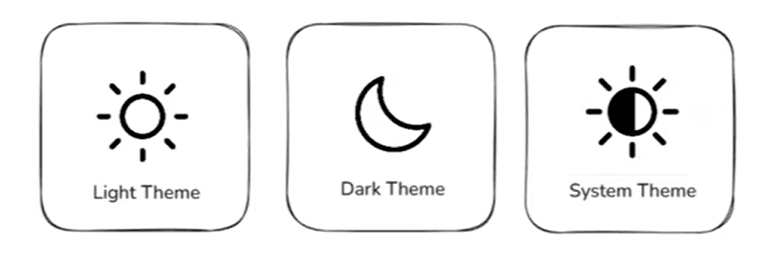
- We all have seen the themes in apps like Light mode, Dark mode, System default mode.
- We can create an enum ThemeMode with these three options.
Create an Enum
enum AppTheme {
  light,
  dark,
  system,
}
<Callout type="info">
Enums are defined using the `enum` keyword followed by the name and the list of values inside curly braces.
</Callout>
Use the Enum
void main() {
  AppTheme selectedTheme = AppTheme.dark;

  if (selectedTheme == AppTheme.dark) {
    print('Dark mode enabled');
  }
}
AppTheme is the enum that we have created. We can use it to set and check the theme mode in our app.
Benefits of Using Enums
Type Safety : Prevents invalid values
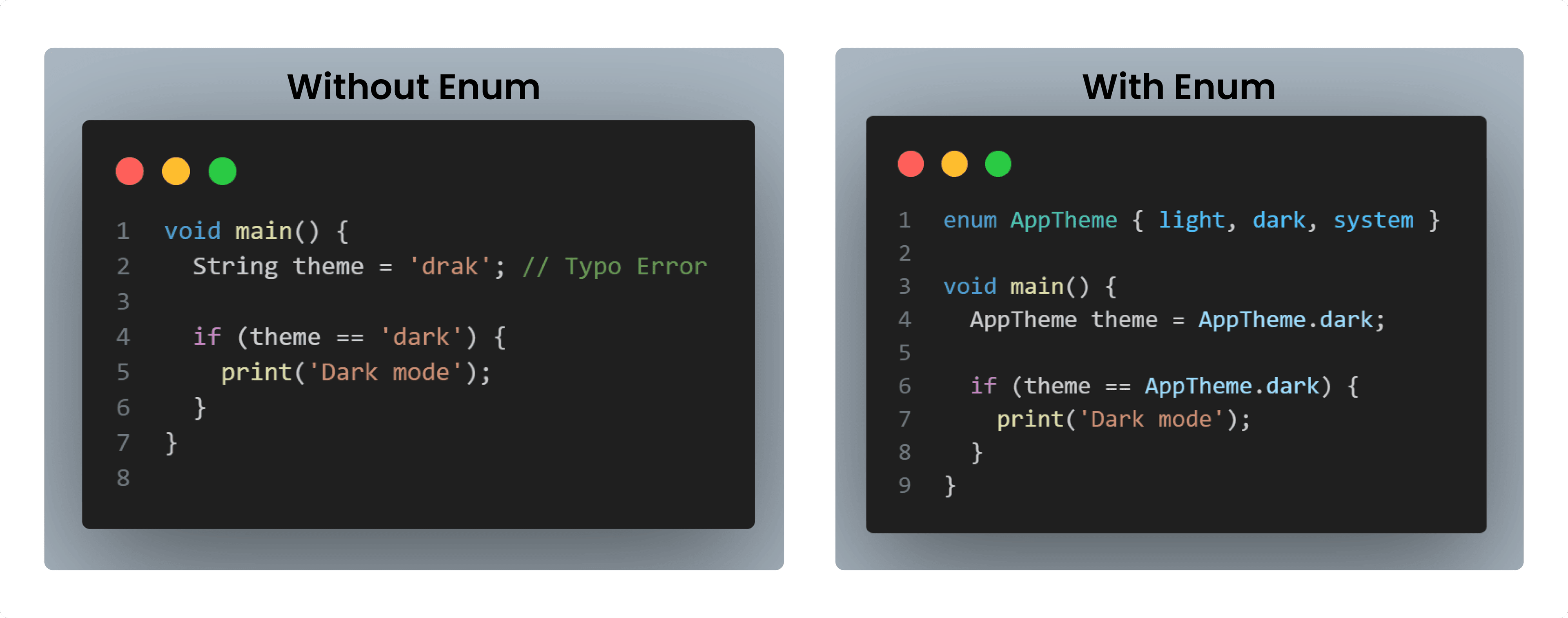
With enums, Dart won’t allow invalid values like
drak. Only light, dark, or system are allowed. Readability : Clear and meaningful names
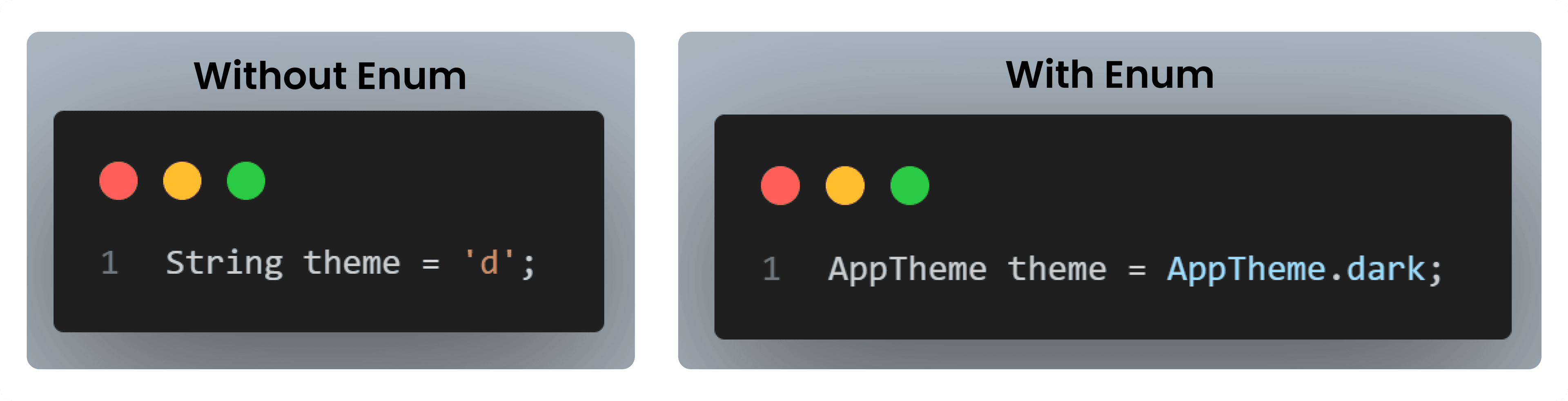
Enums make your code self-explanatory, even for beginners.
Maintainability : Easy to update and manage options
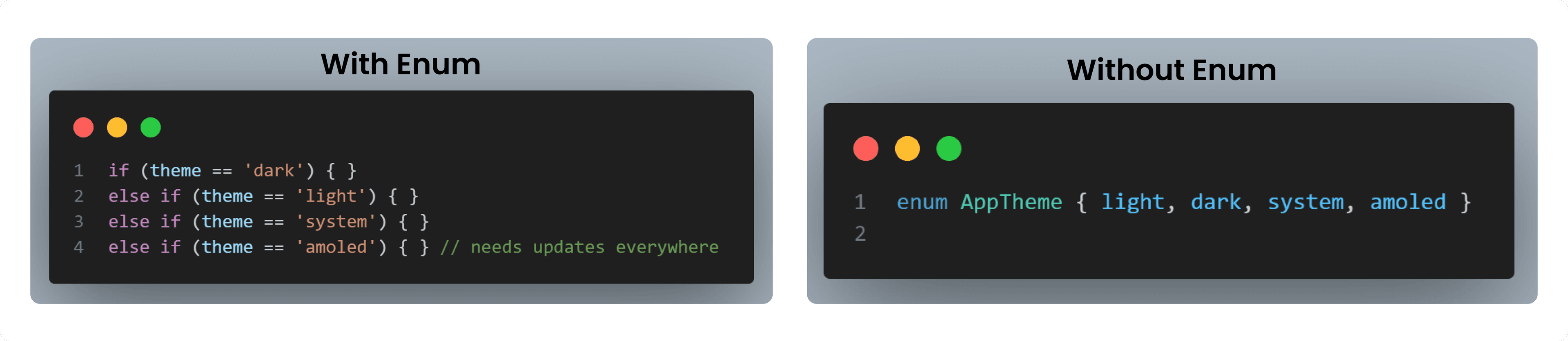
Enums centralize all options in one place, making future changes easy and safe.
Resources to Learn Dart
- dart.dev - Official Dart documentation with tutorials and API references
- flutter.dev - Flutter documentation (works hand-in-hand with Dart)
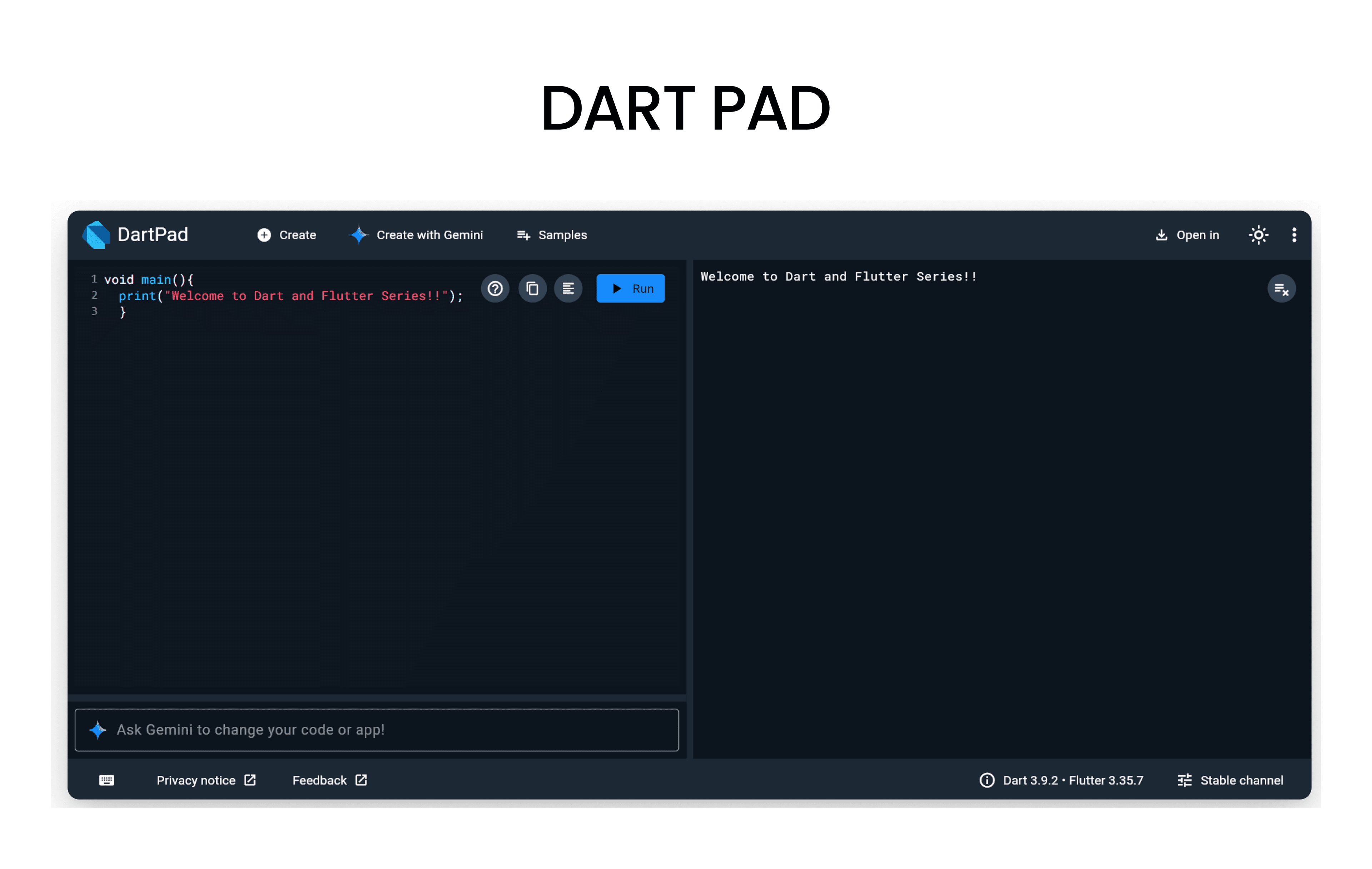
- DartPad - Write, run, and share Dart code directly in your browser
- No installation required - perfect for learning and experimenting!
- Dart And Flutter Series on YouTube - Comprehensive video tutorials