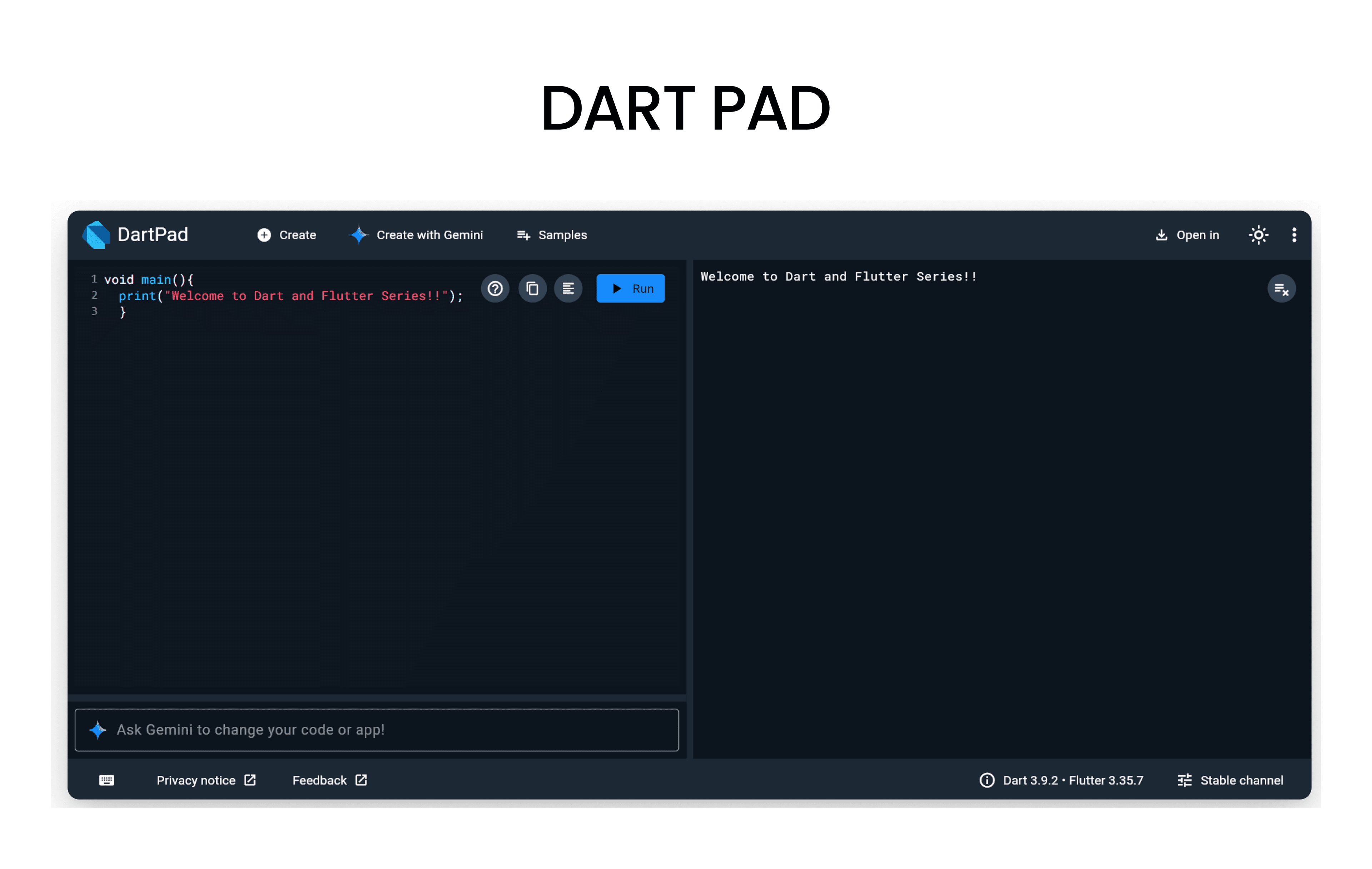
Before we start, open DartPad - it's a browser-based Dart editor where you can run all the code examples!
What is Control Flow?
- Control Flow in programming refers to the order in which individual statements, instructions or function calls are executed or evaluated.
- Loops and conditional statements help control which code runs and how many times it runs.
Conditional Statements
- Conditional Statements are instructions that let your program to make decisions based on certain conditions.
- The code runs only when the condition evaluates to true.
if Statement
- The
ifstatement is used to execute a block of code if a specified condition is true.
void main() {
  int number = 10;

  if (number > 0) {
    print('$number is a positive number.');
  }
}
if-else Statement
- The
if-elsestatement is used to execute one block of code if a condition is true, and another block if the condition is false.
void main() {
  int number = -5;

  if (number > 0) {
    print('$number is a positive number.');
  } else {
    print('$number is not a positive number.');
  }
}
else if Statement
- The
else ifstatement is used to specify a new condition to test, if the first condition is false.
void main() {
  int number = 0;

  if (number > 0) {
    print('$number is a positive number.');
  } else if (number < 0) {
    print('$number is a negative number.');
  } else {
    print('$number is zero.');
  }
}
Loops
- Loops are used to execute a block of code repeatedly as long as a specified condition is true.
for Loop
- The
forloop is used to iterate over a range of values or a collection.
void main() {
  for (int i = 1; i <= 5; i++) {
    print('Iteration $i');
  }
}
while Loop
- The
whileloop is used to execute a block of code as long as a specified condition is true.
void main(){
  int count = 1;

  while (count < 5) {
    print('Count: $count');
    count++;
  }
}
do-while Loop
- The
do-whileloop is similar to thewhileloop, but it guarantees that the block of code will be executed at least once before checking the condition.
void main() {
  int count = 1;

  do {
    print('Count: $count');
    count++;
  } while (count <= 5);
}breakandcontinueStatements can also be used within loops to control the flow of execution.
void main() {
  for (int i = 1; i <= 10; i++) {
    if (i == 5) {
      break; // Exit the loop when i is 5
    }
    if (i % 2 == 0) {
      continue; // Skip even numbers
    }
    print('Number: $i');
  }
}
Assert Statement
- Its a function,that takes a condition as an argument and throws an error if the condition is false and if its true, the program continues executing normally.
- Its mainly used during development to catch bugs and validate assumptions in the code.
void main() {
  int age = 25;

  // Assert that age is greater than 0
  assert(age > 0, 'Age must be a positive number.');

  print('Age is valid: $age');
}
Assert statements are ignored in production (release) mode.
Resources to Learn Dart
- dart.dev - Official Dart documentation with tutorials and API references
- flutter.dev - Flutter documentation (works hand-in-hand with Dart)
- DartPad - Write, run, and share Dart code directly in your browser
- No installation required - perfect for learning and experimenting!
- Dart And Flutter Series on YouTube - Comprehensive video tutorials